No‑Code Smart Home Routines That Just Work
Start Fast with Friendly Tools
Pick Your Platform
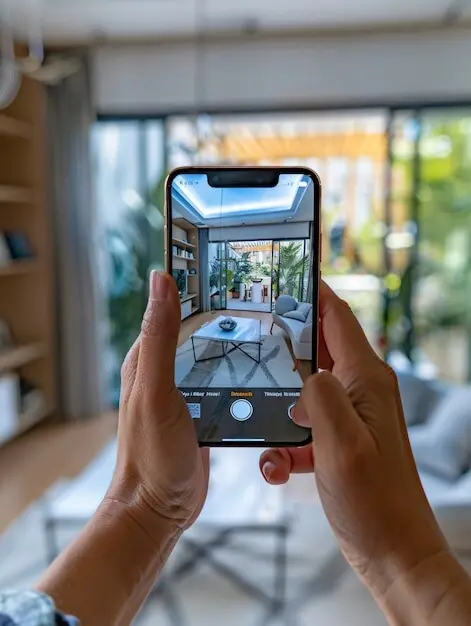
Choose a platform that already fits your devices and habits. If your family loves voice, Alexa or Google shines. If you’re deep into iPhone and privacy, Apple Home feels natural. Prefer broad integrations? IFTTT and SmartThings cover wild combos. Start simple—one routine that replaces a daily annoyance—and grow only when that first success feels rock‑solid.
Connect Devices Confidently
Link accounts with intention and minimum permissions. Name devices clearly, group rooms sensibly, and confirm each device responds before building routines. When my partner labeled plugs by location and purpose, setup time halved and frustration disappeared. Keep a quick reference note of logins and shared households, so future tweaks happen in minutes, not a frantic evening.
Sunrise Lights and Gentle Audio
Coffee, Weather, and First Steps
Presence Detection Without Headaches
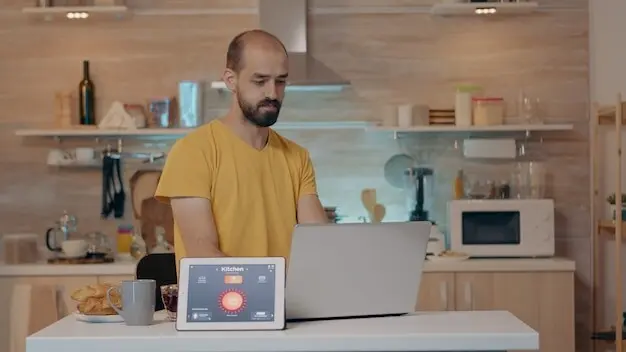
Combine geofencing with a simple household rule: trigger departures only when everyone leaves, and arrivals when anyone returns. Add a short delay to avoid false swings on quick dog walks. If privacy matters, rely on router presence or Bluetooth beacons instead of constant GPS. Document each phone’s role, so nothing breaks when someone upgrades devices.
Goodbye Switch for Everyone
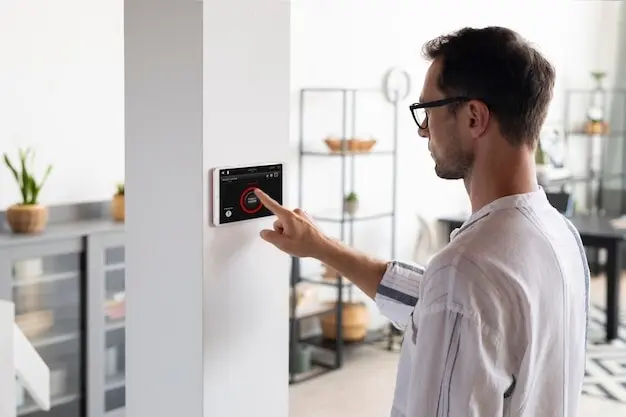
Install a convenient “Goodbye” button near the exit that triggers the same actions as geofencing, perfect for guests or days with phones off. One press turns off lights, closes blinds, and confirms locks. Add a voice confirmation from the hallway speaker. We found visitors actually love this—clear, respectful control that never feels like bossy automation.
Thermostat and Shades in Sync
Use schedules that pair thermostat setbacks with smart shades to manage heat gain. On sunny summer afternoons, shades close automatically while the thermostat relaxes, noticeably reducing compressor cycles. In winter, open at midday to harvest free warmth. Start with gentle adjustments, then refine using weekly energy reports. The savings add up while comfort stays surprisingly high.
Safer Evenings and Peace of Mind


Kitchen Shortcuts That Free Your Hands

Hands‑Free Timers and Reminders
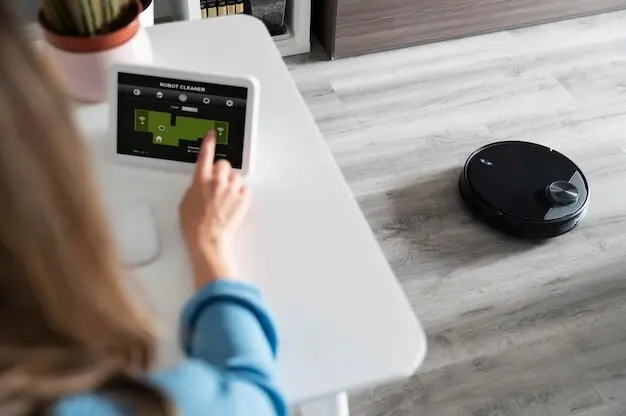
Set multiple named timers by voice while chopping, and have the oven light blink softly when the main timer ends so you notice even with music playing. If a timer expires unanswered, send a gentle nudge to a smartwatch. For recurring recipes, create preset timer sets—boil, simmer, rest—that trigger in sequence without extra thinking.
Groceries and Meal Prep Without Friction
Set multiple named timers by voice while chopping, and have the oven light blink softly when the main timer ends so you notice even with music playing. If a timer expires unanswered, send a gentle nudge to a smartwatch. For recurring recipes, create preset timer sets—boil, simmer, rest—that trigger in sequence without extra thinking.
Appliance Safety With Smart Plugs
Set multiple named timers by voice while chopping, and have the oven light blink softly when the main timer ends so you notice even with music playing. If a timer expires unanswered, send a gentle nudge to a smartwatch. For recurring recipes, create preset timer sets—boil, simmer, rest—that trigger in sequence without extra thinking.
Family‑Friendly and Accessible Automation
Kid‑Proof Controls and Rewards
Create a playful “homework finished” scene kids can trigger, turning on a cozy lamp and a quiet playlist. Keep bedtime routines visible with a friendly button by the door. Limit fiddly menus; use large, distinct labels. Our child proudly announced, “I set my own lights,” which translated to genuine ownership, fewer reminders, and calmer evenings for all.
Accessible Paths for Every Ability
Offer alternatives: voice, tap, and motion. For low vision, use high‑contrast labels and tactile buttons. For limited mobility, place controls at reachable heights and enable automatic doors where possible. Build gradual transitions—lights that fade instead of flash. Ask family members what feels dignified, then implement it. Accessibility done thoughtfully increases comfort for everyone, not just some.
Shared Routines That Respect Privacy
Use separate household profiles and room‑level permissions, exposing only relevant devices. Keep logs localized when possible, and avoid announcing sensitive information on shared speakers. If a teen wants privacy, restrict who hears calendar or message summaries. A little intentional design turns powerful convenience into trust, ensuring routines support family relationships rather than complicate them.
Wind Down, Sleep Deeper
Evening Scene for Calm Focus
Create a single command that dims living room lights to warm tones, lowers blinds, reduces TV brightness, and starts a calm playlist. Add a “reading boost” option that brightens only your lamp. This balance invites conversation and reflection. Our favorite moment is hearing the room exhale, a subtle signal that busy hours have gently closed.
Bedtime Sweep and Lockdown
At a set window, a bedtime routine checks doors, turns off stray lights, and arms cameras quietly. If a door was left open, nudge a phone and echo the reminder softly in the hallway. Keep mercy for night owls with a snooze option. Knowing the house is settled removes the late‑night mental checklist that keeps people awake.
Maintenance, Privacy, and Troubleshooting